Hidden Objects
Description
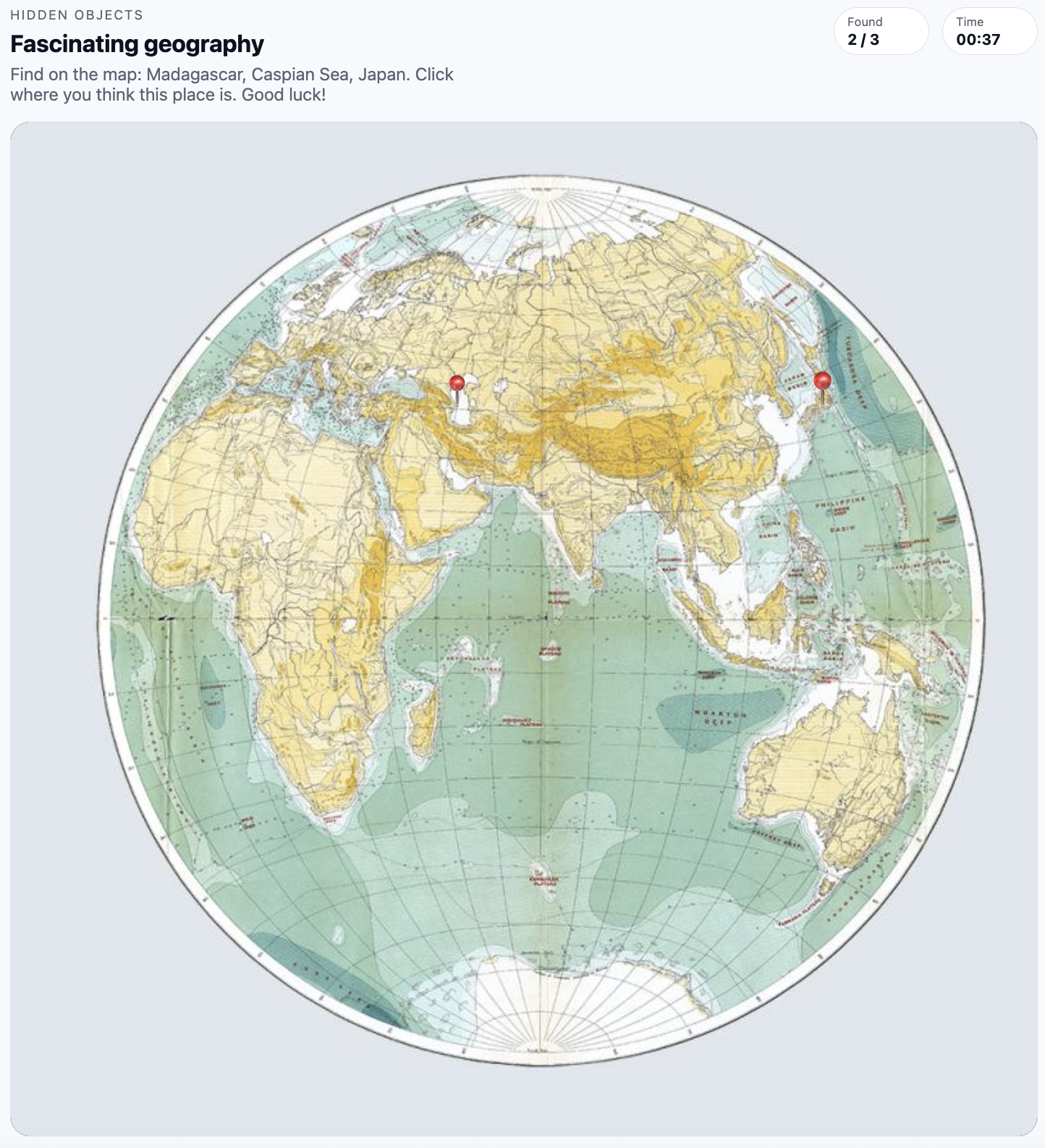
- Hidden Objects is a scene-based search game where players find invisible hotspots on a single image.
How it works
- The scene image is shown without hints. Players click the image to discover hidden markers. Each correct click reveals a marker icon and optionally a short info popup. The game ends on success (all markers found) or failure (time or moves run out).
What it can do
- Great for detailed product shots, story-driven scenes, scavenger hunts, or onboarding challenges that reward attention.
Current settings
- Scene image — an image of the scene in which the player searches for hidden objects
- Found marker icon — an icon that appears when clicked correctly (picture or emoji), with adjustable emoji size
- Marker size — the size of the clickable area of the object in pixels
- Marker list — a list of hidden objects with coordinates; you can set a separate icon/emoji and text hint for each one
- Timer — timer mode (count up or count down) and game duration
- Moves limit (optional) — limit on the number of clicks the player can make
- Start screen — start screen with customizable title, description, and start button
- Info popup on find (optional) — popup window with information when an object is found and custom button text
- Win / lose screens — titles of the win and loss screens, as well as the text of the “Play again” button
Game example: